 Profile HelpIntuit
Archiving a PDF in ProFile
by Intuit• Updated 1 year ago
You can archive a PDF for a return in ProFile—either on its own or when you print a return. Here's how archiving works.
Setting PDF archive options
- Select Environment... from the Options menu in the top toolbar.
- Select the PDF tab.
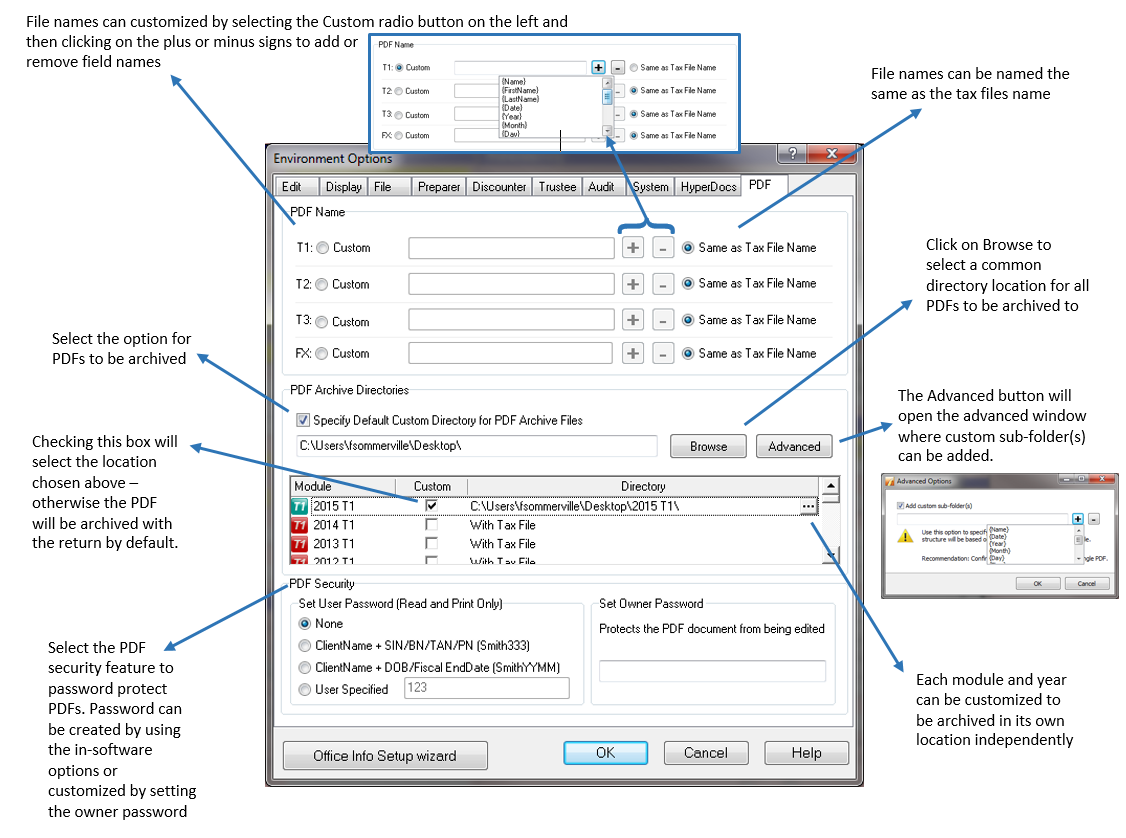
- Choose where to save your archives: a single spot, in folders by module and year, or with the tax return.
Note: The following image illustrates the available options and their settings:
Archiving a PDF while printing
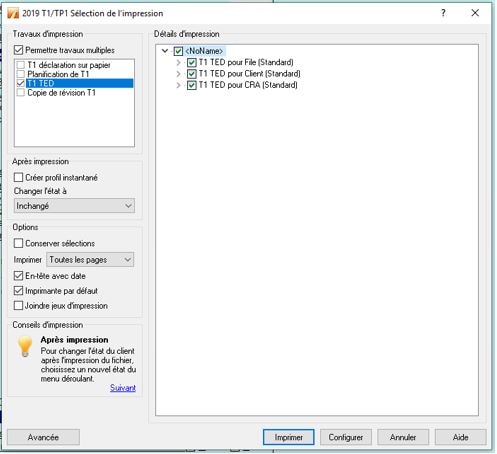
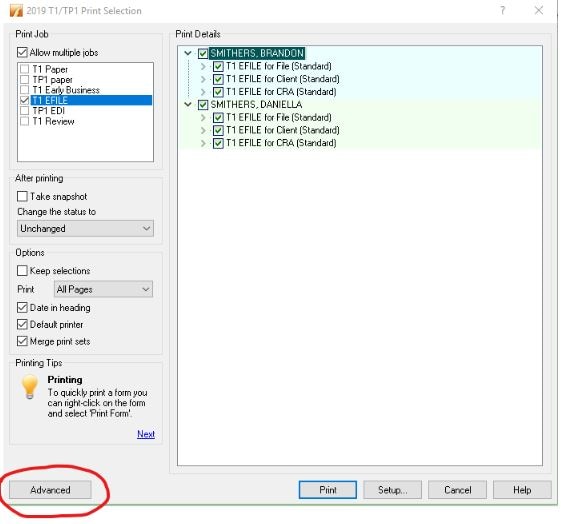
- Select Print... from the File menu in the top toolbar. The Print Selection window will display.
- Select Advanced.
- Select Archive these sets (PDF).
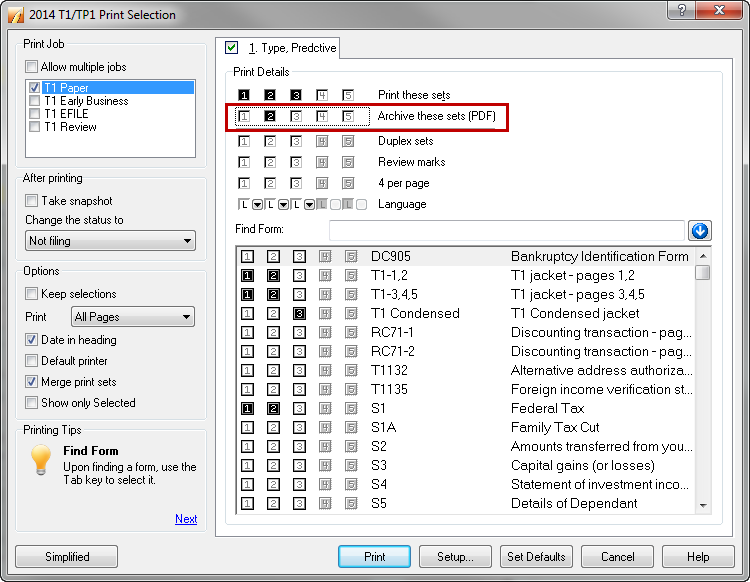
The PDF archives as it's printed.
Archiving a PDF without printing
- Select Print... from the File menu in the top toolbar. The Print Selection window displays.
- Select Advanced.
- Select Archive these sets (PDF).
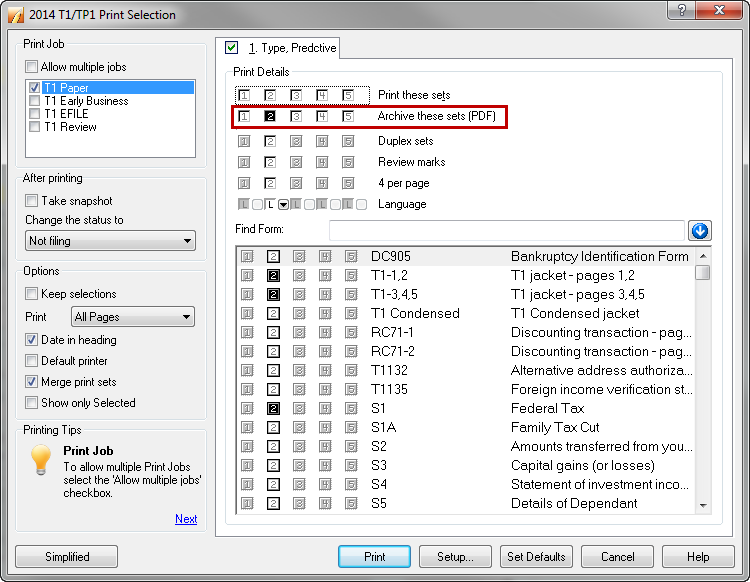
- Deselect Print these sets
The PDF archives without printing.
More like this