 Profile HelpIntuit
Batch filing prompt message displays in ProFile
by Intuit• Updated 5 months ago
ProFile transmits any previously batched files together with newly batched files when a customer selects the Transmit now option during the batch EFILE process.
ProFile customers face the following message when these unsent, previously batched files are about to be transmitted with newly batched files:
There are previously saved batches that will be transmitted with the batch you have just created.
Click OK to transmit all batches, or Cancel to end transmission.
Click Learn More for more information.
There are two scenarios where this message would display:
- Files were previously batched but not transmitted
- Files were previously batched and transmitted, but an error occurred during transmission (e.g. An interruption in Internet service or computer outage)
| ‣ Resolution |
| ‣ Locate the previously batched files |
| ‣ Transmit the previously batched Files |
| ‣ Exclude previously batched files from transmitting |
Resolution
There are two actions available to ProFile users who encounter this prompt:
- Transmit the previously batched files with the newly batched files, or:
- Exclude all the previously batched files from being transmitted with the newly batched files.
Locate the previously batched files
Previously batched files are stored in your My ProFile Data folder in the Windows Documents library. The previously batched files are stored in folders.
Files that were previously batched, but not transmitted, have the designation .TAX.
Note: Any files with the designation .TAX0 have been previously transmitted.
Transmit the previously batched Files
To transmit previously batched files, simply repeat the batch EFILE process with the newly batched files and select Transmit now when prompted.
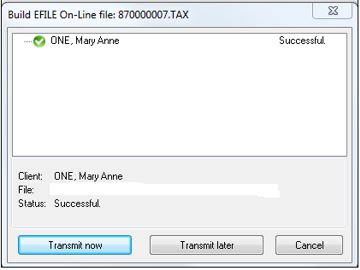
All previously batched files transmit with the newly batched files.
Exclude previously batched files from transmitting
To exclude all previously batched files from transmitting with the newly batched files, rename the year file related to the files (e.g. 2017T1) to another name (e.g. 2017T1_old).
Repeat the batch EFILE process for the newly batched files and select Transmit now when prompted.
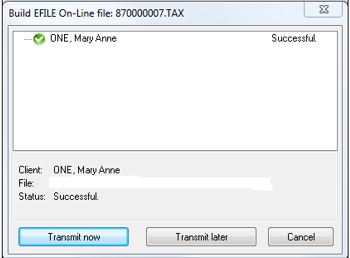
The renamed folder won't be visible to ProFile during the transmitting of the newly batched files, and no previously batched files transmit.