 Profile HelpIntuit
The option to purchase a OnePay upgrade isn't available in ProFile
by Intuit• Updated 5 months ago
This article helps if you don't see a buy option for a OnePay return for the T1, T2, or T3 modules. Buy options are visible in the toolbar and the File menu.
Tip: Go to FIle and then OnePay Upgrade... If you're unable to select that option continue to one of the sections below.
Check if the return has already been purchased
Under the File menu, choose Properties and check the status to see if the return has already been purchased.
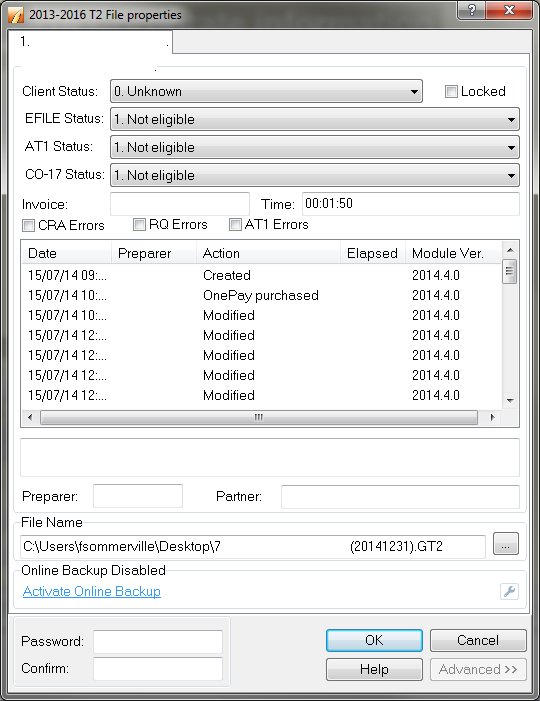
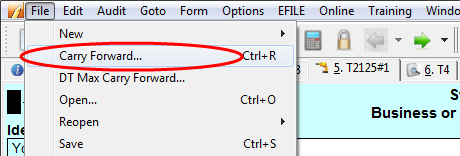
The return has to be carried forward and be newly repurchased.
Check for an existing license or trial license
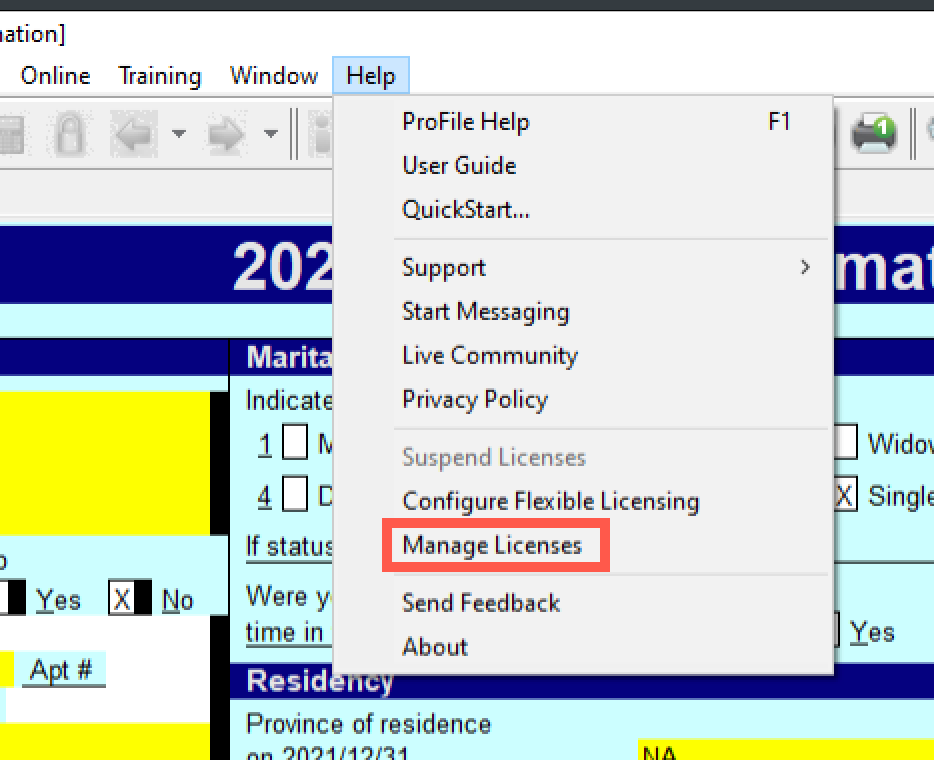
Go to the Help menu, and then select Manage Licenses. Confirm that there are no licenses that may be nulling the OnePay process.
Still not working? Try going to File and then Print to see if you get the OnePay wizard popup.