 Profile HelpIntuit
"Suspend License Failure" error when exiting ProFile
by Intuit• Updated 10 months ago
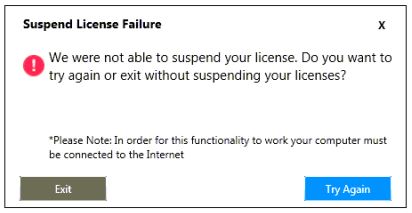
Customers may face a licensing error message when exiting ProFile. The error reads:
Suspend License Failure. We were not able to suspend your license. Do you want to try again or exit without suspending your licenses?
Resolution
Note: ProgramData is a hidden folder. It's necessary to search for and identify it.
- Close ProFile.
- Open a Windows Explorer window.
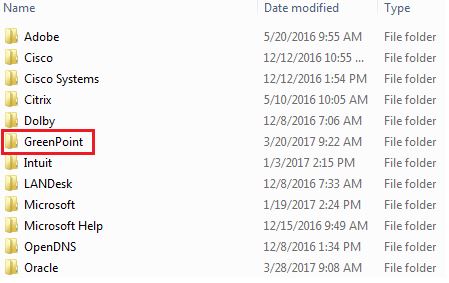
- Enter the term %programdata% in the folder search bar and press Enter. The ProgramData folder displays.
- Select the GreenPoint folder.
- Rename all files in the GreenPoint folder with the .ecml designation to [FILENAME]_old.ecml.
- Rename the file gp.dat in the directory to gp_old.dat.
- Rename the folder titled BackupFiles" to BackupFiles_old.
- Open ProFile.
- Re-enter the license key previously attempted.
The license is accepted and a green checkmark displays as confirmation.
More like this