 Profile HelpIntuit
Invalid floating point operation error in ProFile
by Intuit• Updated 5 months ago
If you encounter the error Invalid floating point operation, turn off all data locking under Options > Module > Data Locking, and then select OK.
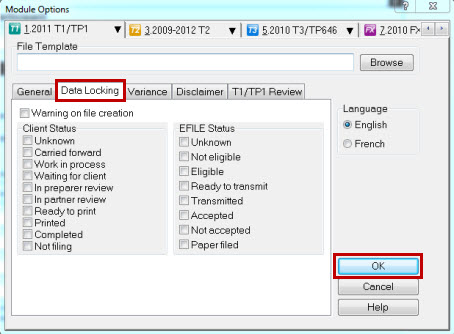
The error should be resolved.
More like this